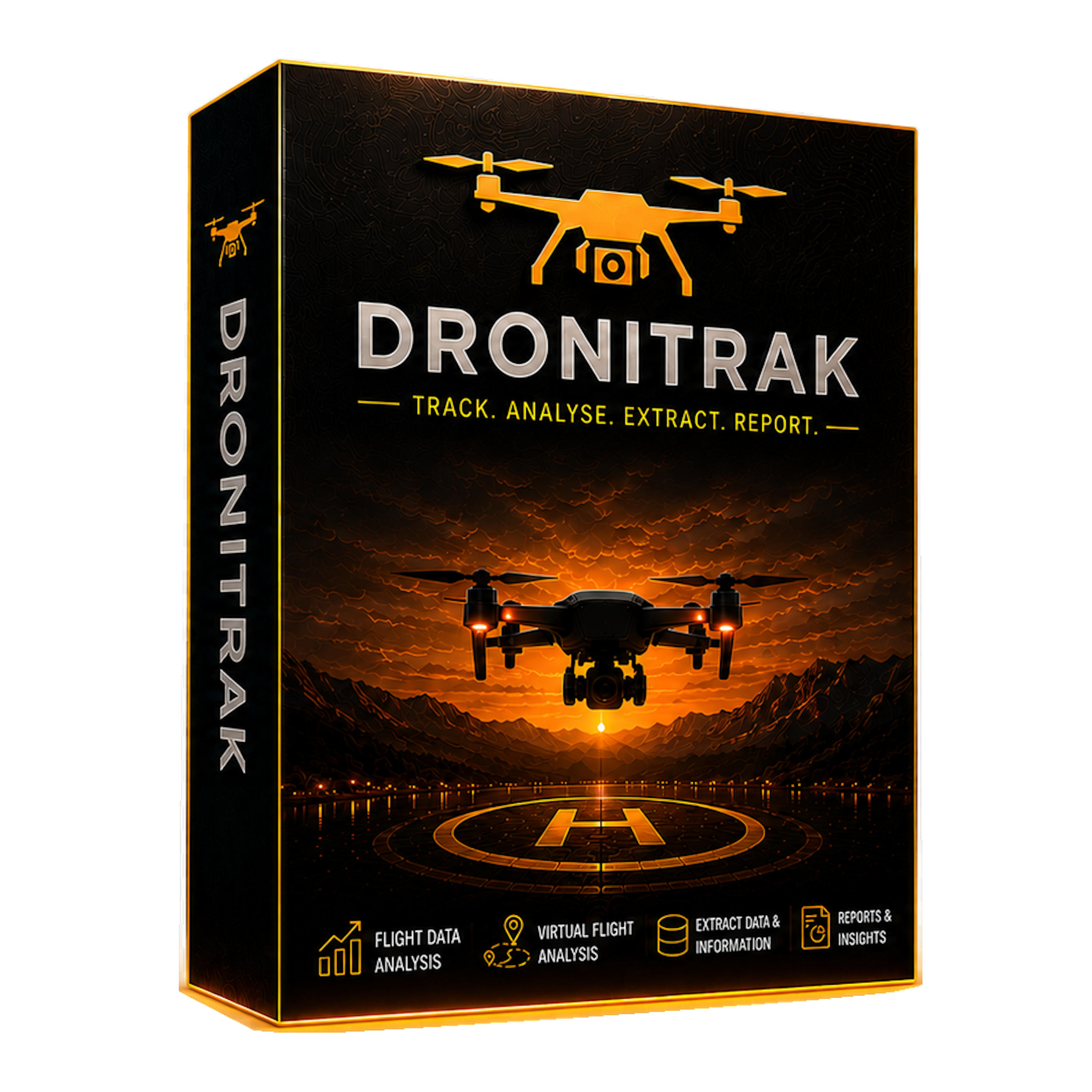
Flight log analysis software
Dronitrak
£10.99
DJI flight log analysis, replay, maps and report outputs for Windows.
© DroneField Media software
Windows tools and printed resources for specialist display, image preparation and drone-related media workflows.
DJI flight log analysis, replay, maps and report outputs for Windows.
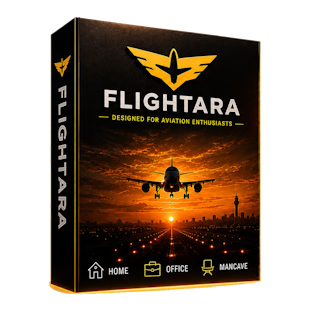
Live airport-style arrivals and departures board for Windows screens.
Frame extraction, watermarking and clean branded image outputs.
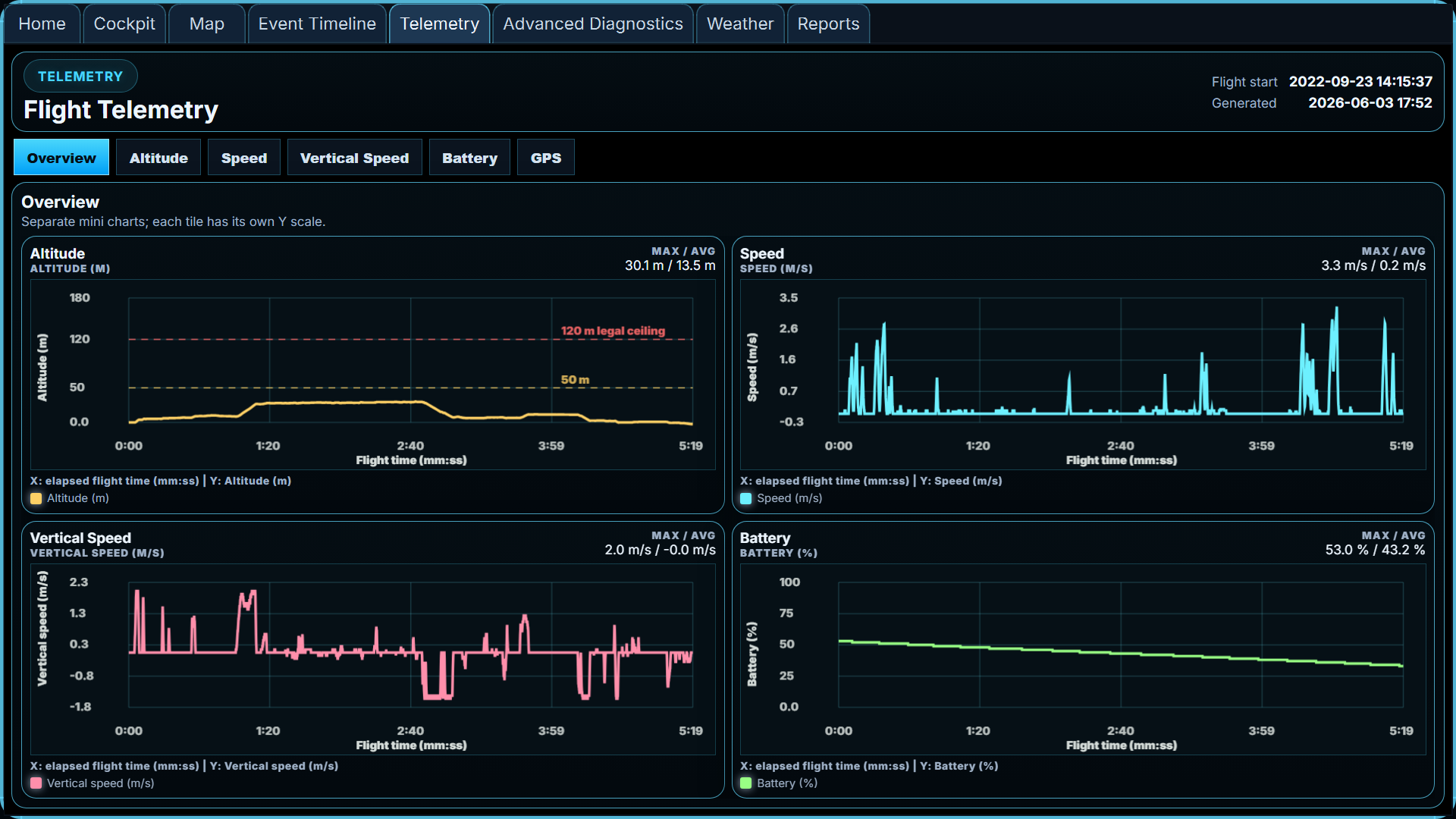
Windows flight log analysis software
Dronitrak is a full analysis tool for DJI drone flight logs. It presents flight data graphically in a cockpit-style replay and produces maps, technical data and report outputs covering speed, altitude, aileron movement, battery life, GPS stability, collision avoidance events, return-to-home indicators, lost signal events and more.
Use Dronitrak to output a full or selected drone flight report for evidence gathering, incident review and critical analysis. It can also create a drone log book page populated with flight data and weather information from reports at the time of the flight, making it useful for hobbyists, insurance claim support and wider data analysis workflows.
Dronitrak requires Windows and uses converted DJI flight log data. Binary .TXT flight logs need to be converted into .CSV format inside the app, which requires your own DJI Developer API key. Free development keys are available from the DJI Developer site, and full instructions are included in the app and supporting documentation.
Windows display software
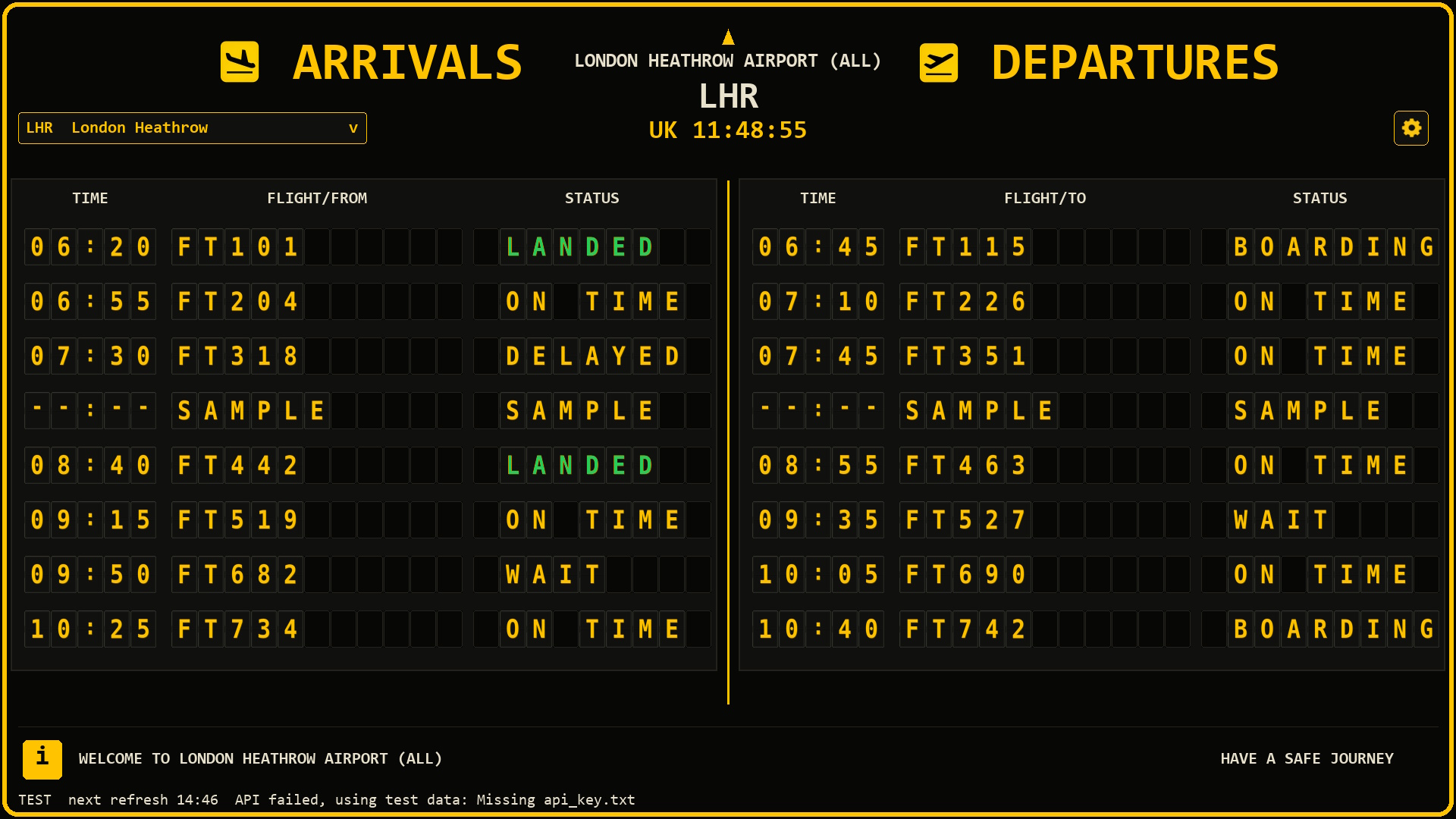
Flightara is a Windows desktop application that presents airport-inspired arrival and departure information in a bold black-and-gold display. It is designed for aviation enthusiasts who want a realistic board experience on a TV, monitor, laptop or mini PC.
Flightara requires Windows 10 or Windows 11 and an internet connection. Live flight data uses your own compatible AirLabs API key from airlabs.co. AirLabs currently offers a free subscription tier, which should be suitable for most Flightara users, with paid plans available if you need higher usage. Please check airlabs.co before purchase to confirm the current API plan options, as third-party free tiers, limits and pricing can change. Flightara is enthusiast display software and should not be used as an official travel, airport or operational flight information system.
Windows image workflow software
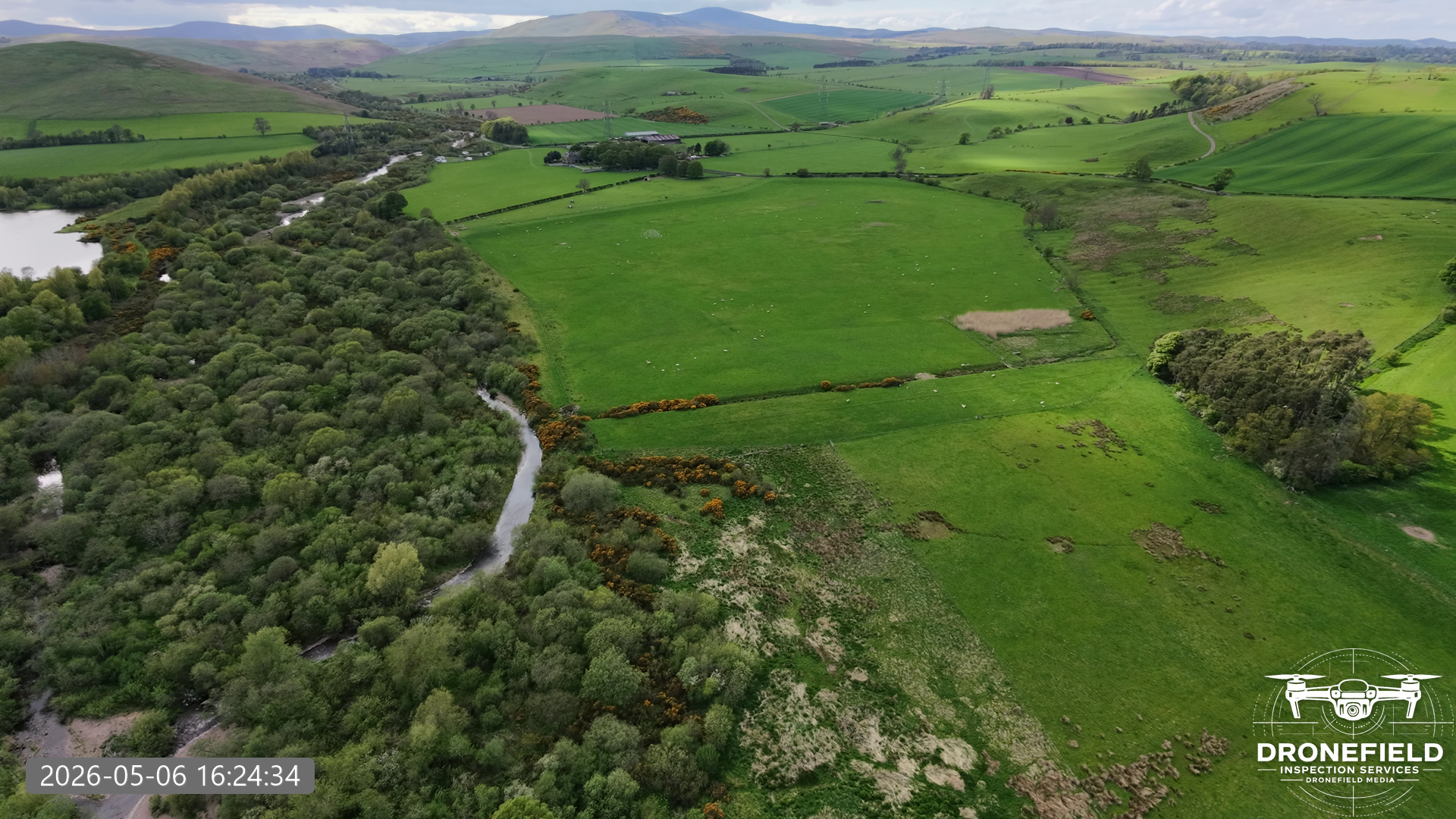
Shotara is made for anyone who wants a quick way to prepare images for reports, websites, presentations, social posts, client work or personal projects. Add your logo, create clean image outputs, and turn footage or still images into visuals that are ready to use.
It can also be used with images you create and want to brand, tidy up or present professionally.
Great for estate agents, drone imagery, construction progress records, visual plan idents, presentation assets and many other image preparation tasks. Lifetime personal use is planned, with bulk user licensing agreements and pricing available by proposal. Contact DroneField Media to discuss requirements.
Printed drone record book
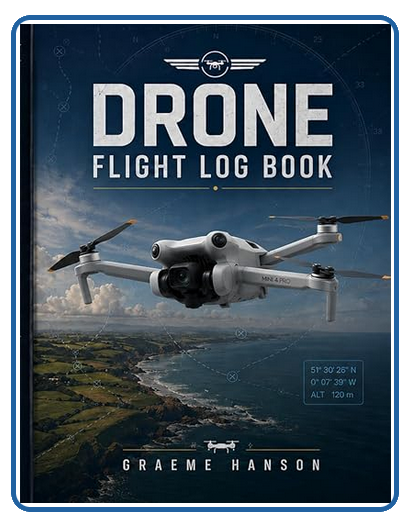
Keep accurate, structured records of every drone flight with this professionally designed flight logbook. Whether you are a recreational flyer or a commercial operator, maintaining clear documentation is essential for safety, accountability and regulatory compliance.
The logbook provides 100 pages of a simple, effective system to record key flight details in one place. Designed with real-world use in mind, it helps you stay organised, prepared and ready to reference important information whenever needed.
It works neatly alongside digital tools such as Dronitrak and Shotara: keep the paper log for field notes and operator records, then use exported files, reports and images for client-ready evidence packs.
Software range
Flightara, Shotara, Dronitrak and the Drone Flight Log Book are separate DroneField Media products, each built around a clear practical use case.
Dronitrak
Analyse DJI drone flight logs with cockpit-style replay, maps, technical data and report outputs.
Flightara
Create a bold arrivals and departures board on a Windows PC, laptop, monitor or TV.
Shotara
Prepare branded still images from footage or image files without opening heavy editing software.